
Now AI can edit your videos.
Say what you want. The most advanced editing agent there is watches your footage, finds the beat and cuts the video on a real timeline you can keep editing.
Say what you want. Keep editing by hand.
Free to start. No card needed.
01Say it
Just say it.
Describe the video you want, the way you would tell a friend. You do not need to know anything about editing.
A 30 second reel of our weekend. Cut it to the beat and end on the sunset.
Sees.
Every shot: what is in it, how it moves, and its best moment.
Hears.
weekend.mp3121 beats a minuteEvery word it uses, and every beat of the song.
Feels.
It reads the mood of every moment, so the cut feels right.
Cuts.
Every cut sits on a beat of "weekend.mp3", and it ends on the palm-tree sunset.

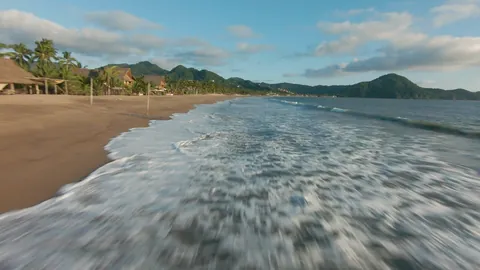
DJI_0042.MP410 s
fast, sunny, scenic
An FPV drone flies low over a tropical beach resort, palm trees, and coastline.
DJI_0047.MP48 s
serene and scenic
Drone footage flying low over a tropical beach with waves crashing.
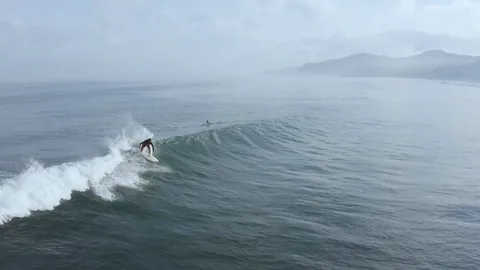
DJI_0051.MP410 s
calm, atmospheric
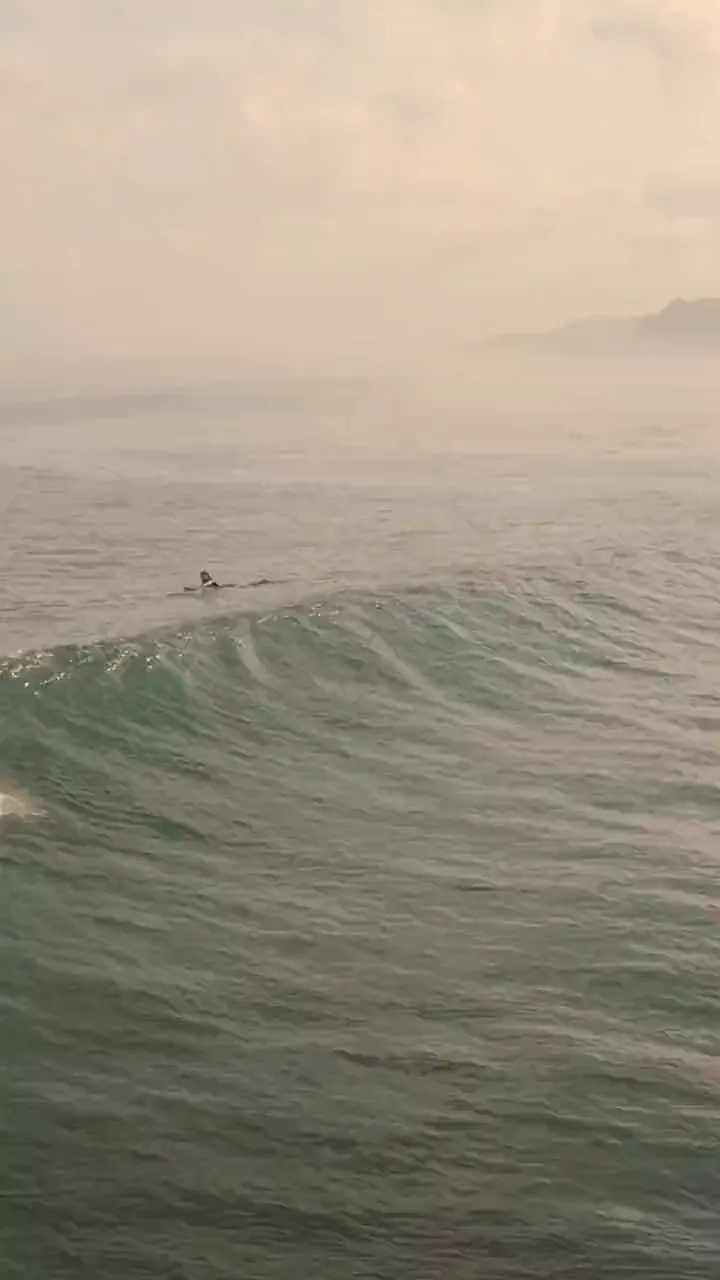
An aerial view shows a surfer in a black wetsuit riding a wave on a foggy day.
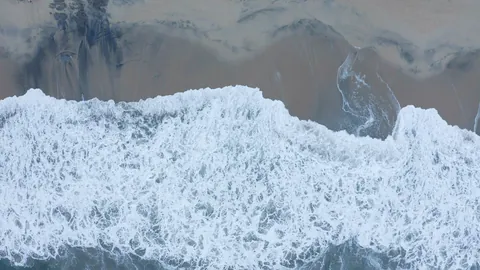
DJI_0058.MP410 s
calm, natural
An aerial drone shot looking down at ocean waves crashing onto a sandy beach.
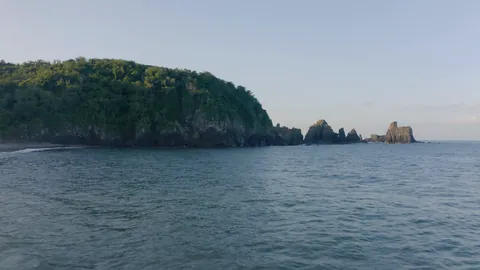
DJI_0063.MP410 s
calm, scenic, tranquil
An aerial drone shot glides over the ocean toward a rocky island covered in lush green vegetation.

IMG_2210.MOV2.8 s
serene and scenic
An aerial shot shows a woman in a red dress and dark hair standing on a white sand beach next to turquoise water.
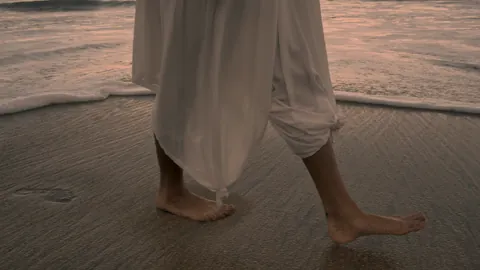
IMG_2214.MOV10 s
calm, serene, sunset atmosphere
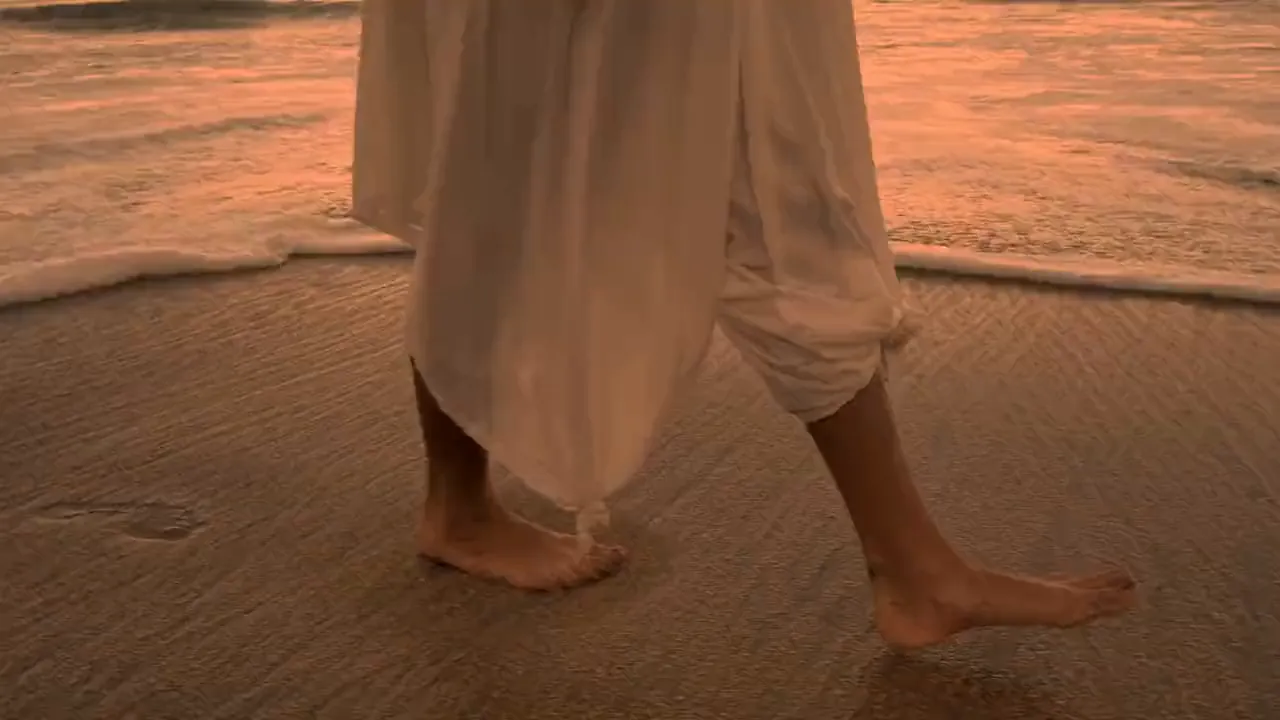
A person in a white dress walks barefoot along the shoreline of a beach at sunset.
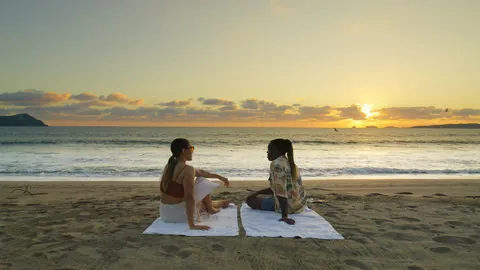
IMG_2231.MOV10 s
calm, scenic, tranquil
A wide shot of two people sitting on white towels on a sandy beach at sunset, with waves rolling in and kites in the sky.
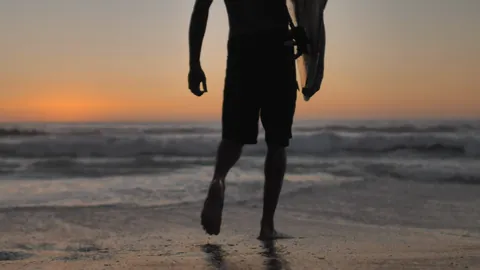
IMG_2236.MOV10 s
serene and scenic
This video shows a silhouette of a surfer holding a surfboard while walking towards the ocean.
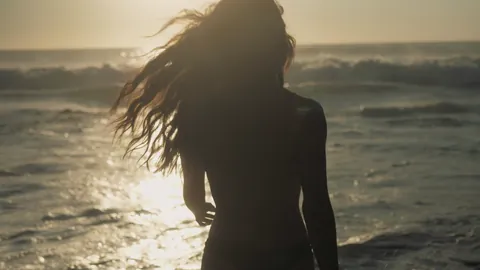
IMG_2240.MOV10 s
warm, cinematic, and serene
A woman wearing a bikini walks toward the ocean at sunset with the camera facing her.
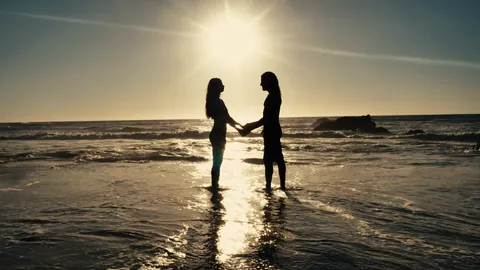
IMG_2243.MOV10 s
romantic, serene, slow-paced
Silhouetted couple standing on a beach at sunset holding hands.
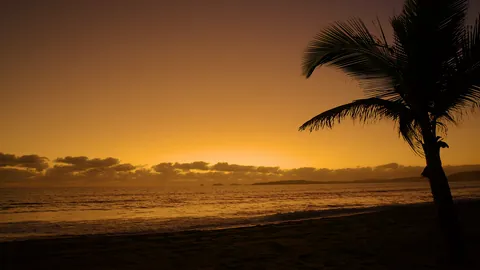
IMG_2251.MOV10 s
calm, peaceful, golden
This video shows a wide shot of a beach at sunset with golden skies and a silhouetted palm tree in the foreground.

I've built a 30 s landscape reel of your weekend. Every cut sits on a beat of "weekend.mp3", and it ends on the palm-tree sunset.
What it did
- Read "Highlight reel on the beat (a trip or an event)" in the knowledge base
- Read what happens in weekend.mp3
- Looked at IMG_2251.MOV
- Looked at IMG_2243.MOV
- Looked at DJI_0051.MP4
- Looked at IMG_2231.MOV
- 4 changes to the timeline
- 2 changes to the timeline
- Checked moments of the edit
02Direct it
Keep directing.
Ask again and the same project changes. Four sentences, four versions.


Make the title big and centered, in an elegant serif.
The title is now large, centred and set in Cormorant Garamond (semibold, 140 px), still at 0.5 to 3.5 s with its fades.
Make the colors warmer, like golden hour.
I warmed every clip toward golden hour: the grade is now the golden look at 0.7, plus a warmer temperature (+0.5) and a little extra saturation.
Make it vertical for Reels.
I made a vertical 1080x1920 version for Reels as a new timeline, "Timeline 1 · Vertical 9:16".
Now only the best moments, in 15 seconds.
I've cut a new 15 s vertical version of the reel.
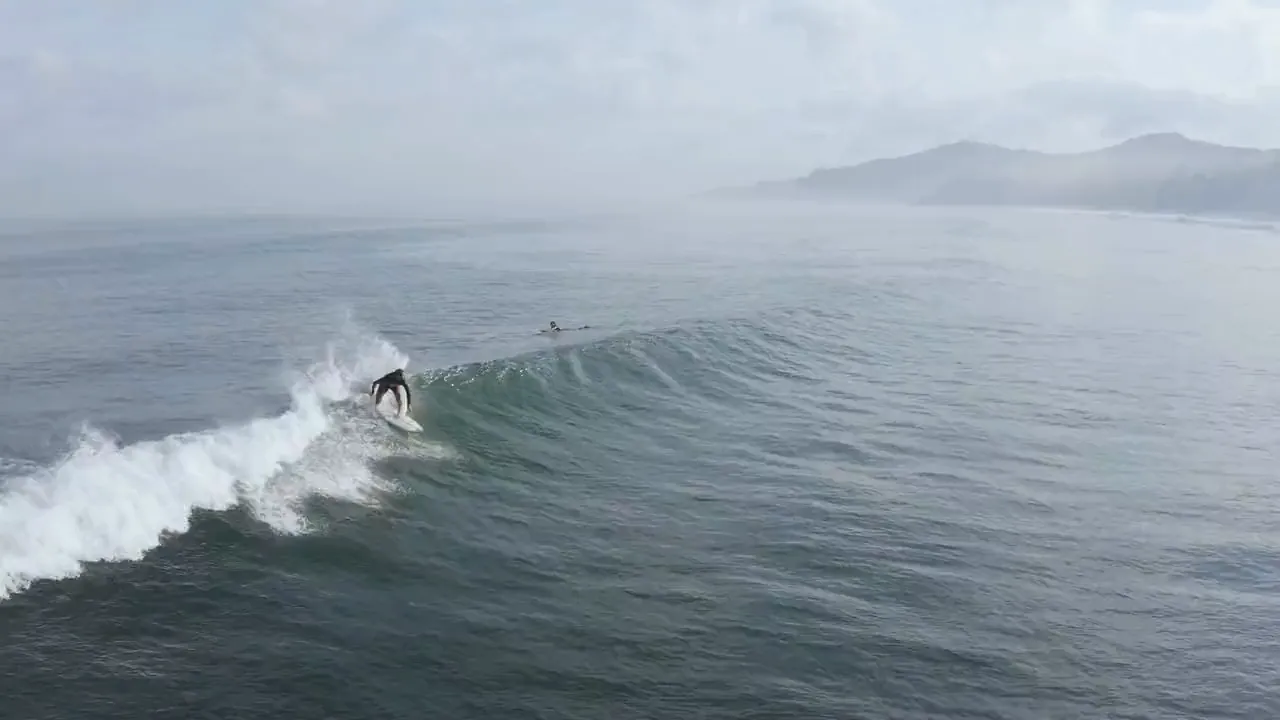
Make the title big and centered, in an elegant serif.
The title is now large, centred and set in Cormorant Garamond (semibold, 140 px), still at 0.5 to 3.5 s with its fades.
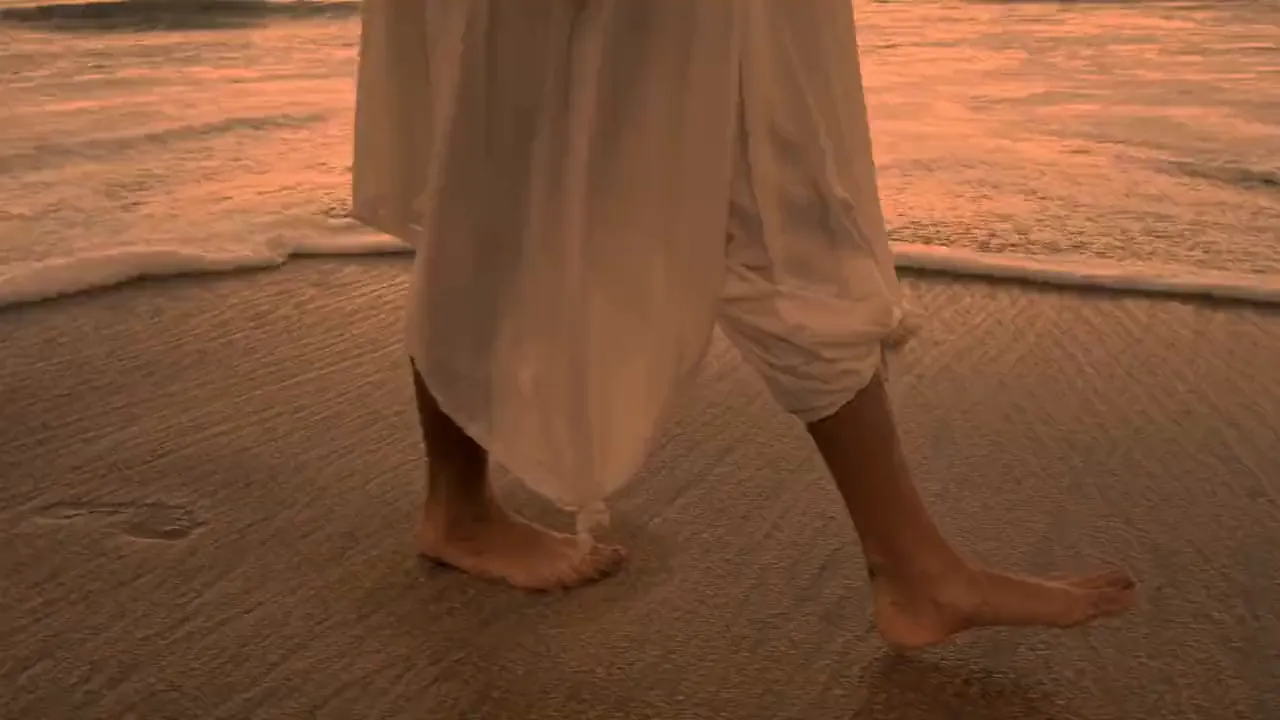
Make the colors warmer, like golden hour.
I warmed every clip toward golden hour: the grade is now the golden look at 0.7, plus a warmer temperature (+0.5) and a little extra saturation.
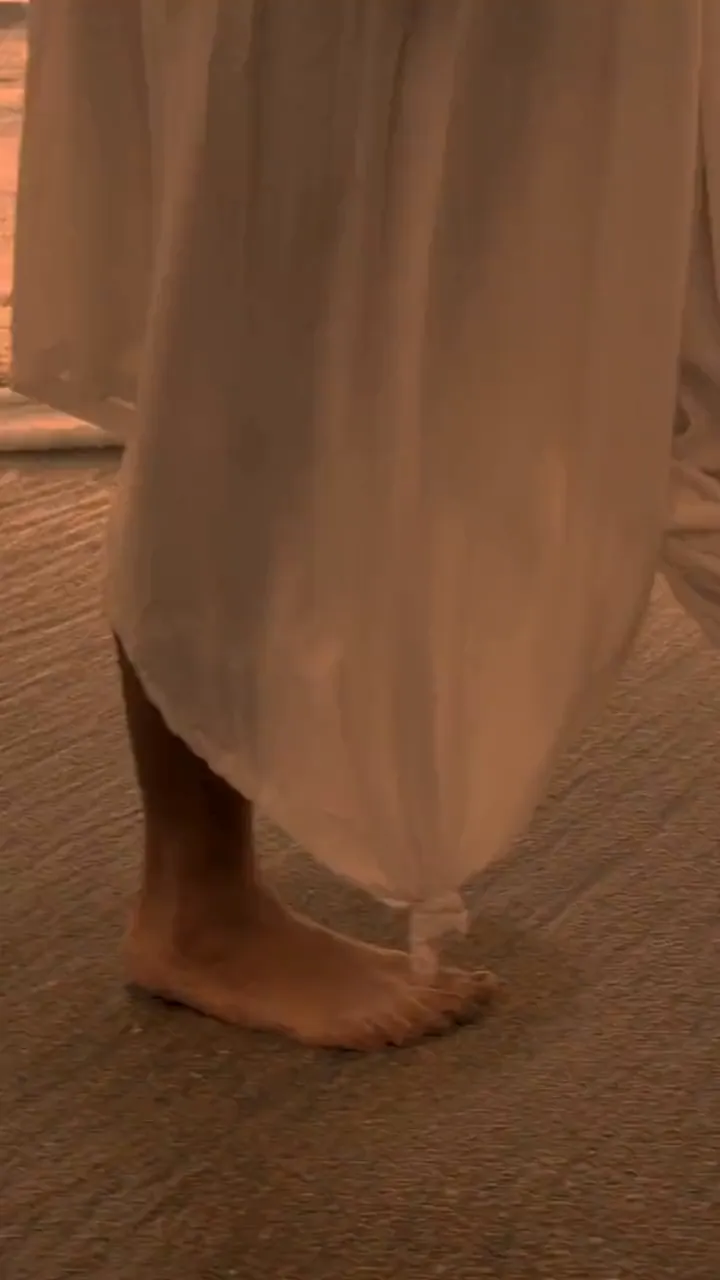
Make it vertical for Reels.
I made a vertical 1080x1920 version for Reels as a new timeline, "Timeline 1 · Vertical 9:16".
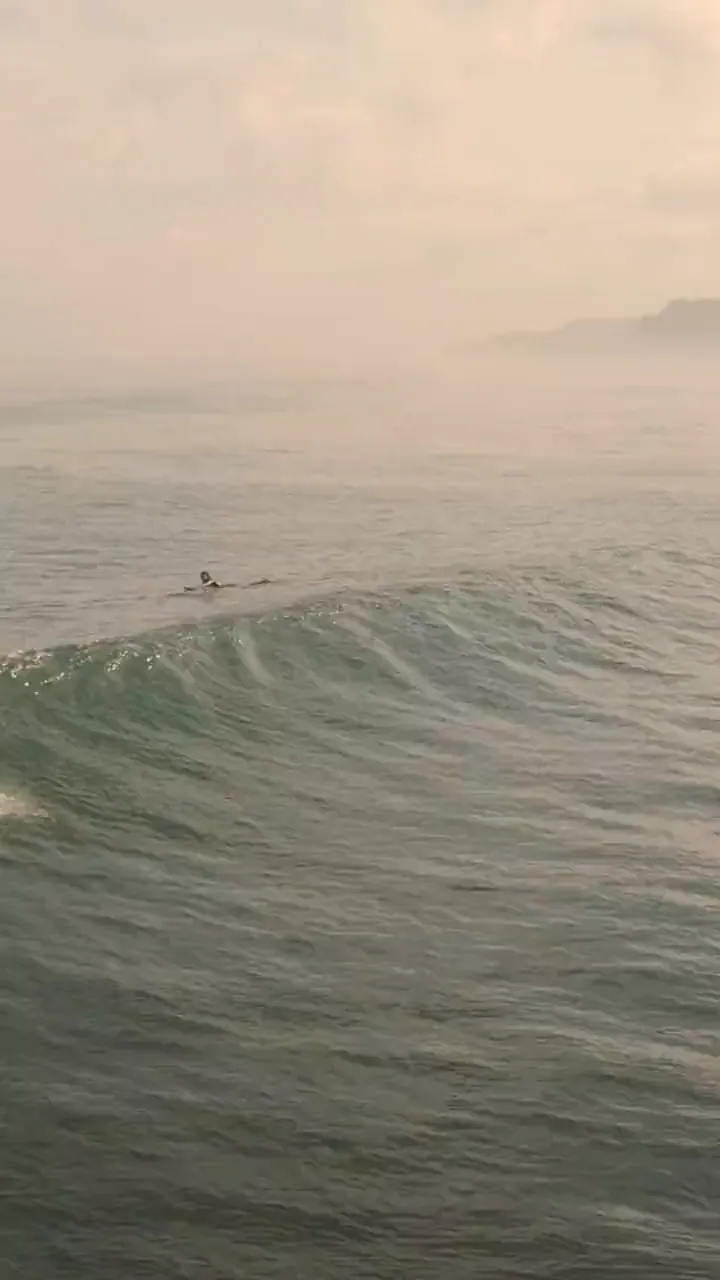
Now only the best moments, in 15 seconds.
I've cut a new 15 s vertical version of the reel.
03Edit it
Still yours to edit.
What the agent makes is a real timeline. Trim it, split it, move things around and type on it by hand. If you do not like a turn, undo all of it in one step.
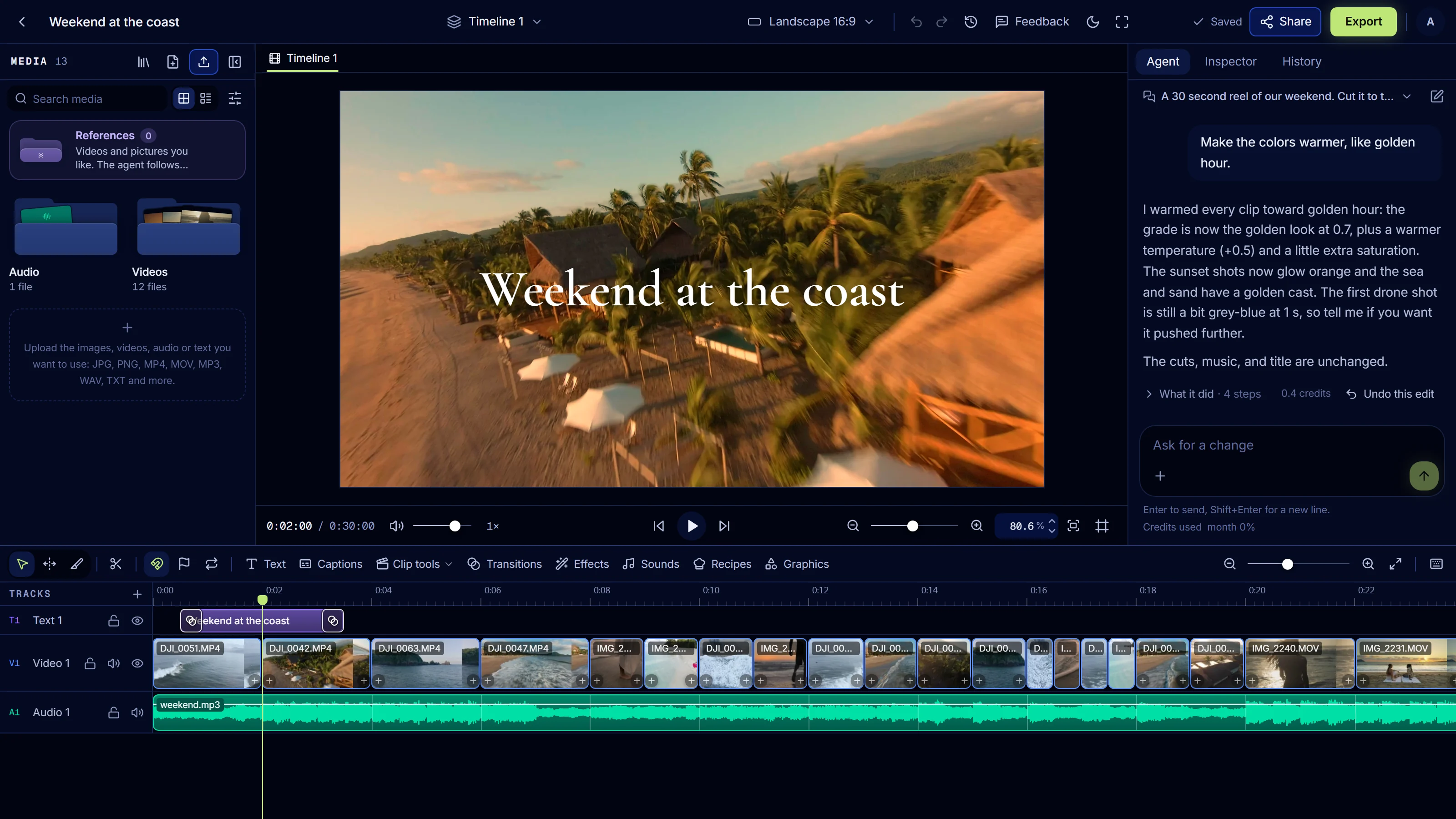


- Trim.Pull an edge to make a clip shorter.
- Split.Cut a clip in two at the playhead.
- Drag.Lift a clip and drop it somewhere new.
- Type.Put your own words on the video.
By handorAsked
More, by hand or by asking.
Use the tools you know, or say it in one sentence and the agent does it.
- JPlay backward, faster each press
- KStop
- LPlay forward, faster each press
- QRipple trim the start to the playhead
- WRipple trim the end to the playhead
- SSplit at the playhead
01/ 06By hand
The keys you know
J, K and L, ripple, slip and slide, or the keymap of the editor you came from.
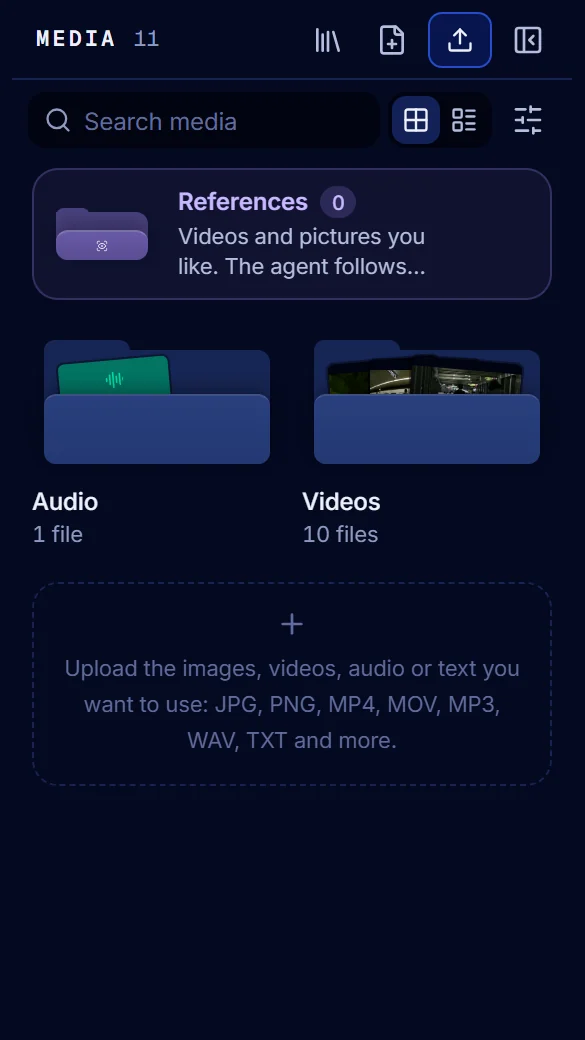
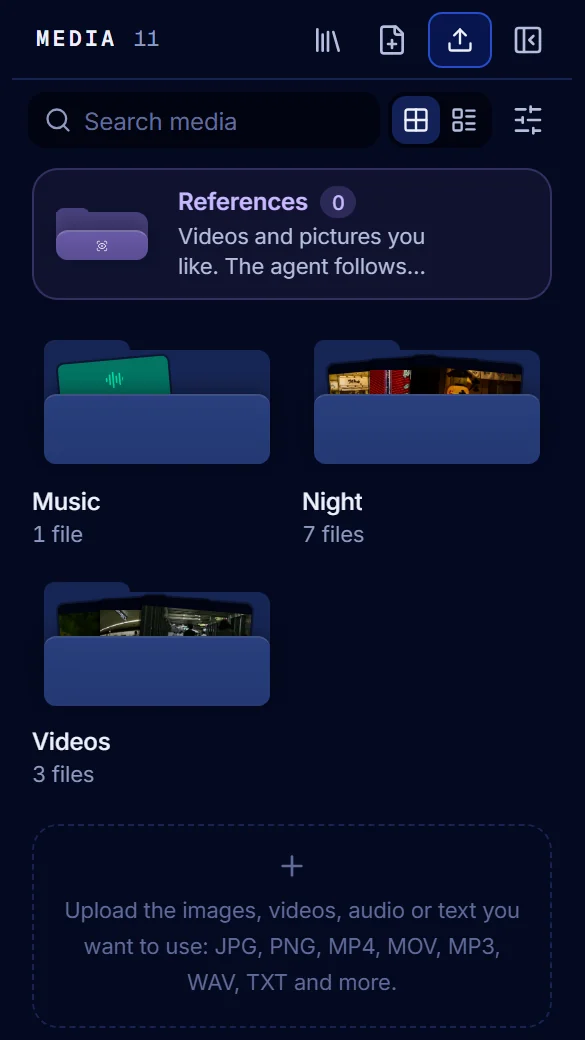
02/ 06Asked
Folders in one click
Your footage sorted by what it is, without dragging a single file.
Organize my clips into folders.
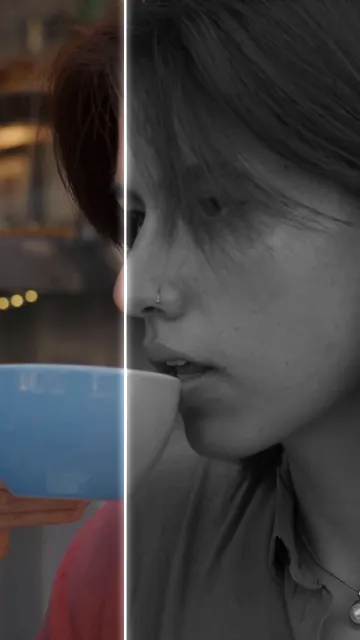
03/ 06Asked00:00:04:11
Color
Looks, wheels and curves, for one shot or the whole video.
Make it black and white.

04/ 06Asked00:00:03:15
Transitions
On one cut by hand, or on every cut with one sentence.
Bring the color back and add a soft dissolve between every shot.

05/ 06Asked00:00:03:12
Motion graphics
Titles, lower thirds and logo reveals made for your video, on the beat of its song.
Open with a designed motion graphic title that says TOKYO NIGHTS, bold and glowing like neon, animated on the beat.
06/ 06By hand
On your phone too
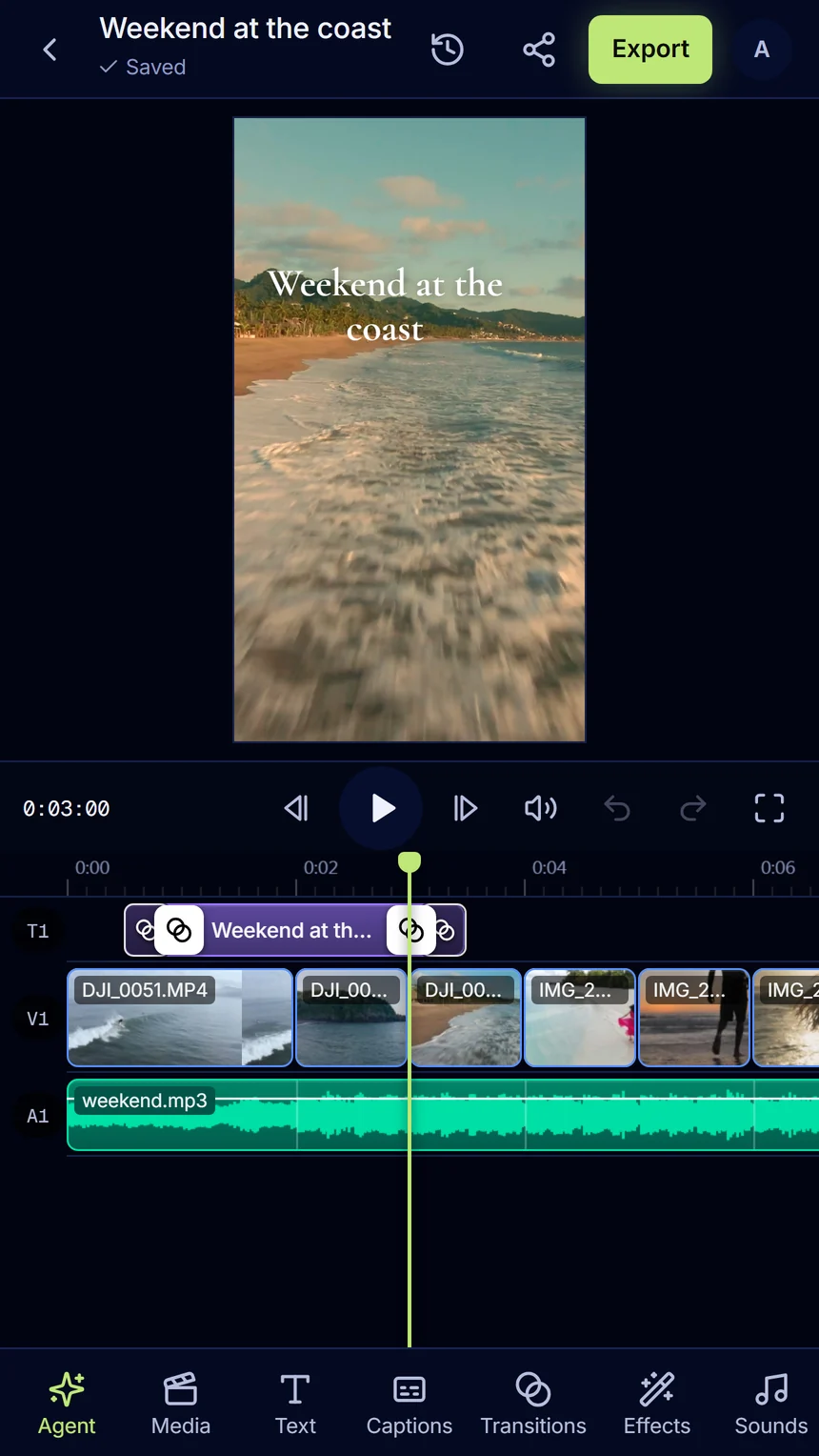
The same editor, laid out for touch: trim, split and ask the agent from anywhere.


04It learns
It learns how you edit.
Tell it once, fix its edits by hand, export what you like. It learns how you edit by itself, for you alone, and follows it in every edit after.
Tell it once.
From now on, always open with the strongest shot. And I like the music to fade out at the end, never a hard stop.
Both preferences are saved and will apply to your future edits.
Or show it.
Edit my clips like this reference.
Show it a video whose editing you love, and it cuts yours to the same pace.


Reference
Your cut
00:00:00:00Cut on the same instant00:00:04:27
05Results
Made by asking.
Each video was cut by the agent. Under it, the words that asked for it.


06Pricing
Plans
Start on Free and move up when you need more. Every plan is the complete editor with its AI agent. Editing by hand has no limit. Credits pay for the AI's work (editing, understanding your media, captions, clean audio) and for preparing and exporting files.
Free
$0a month
No card needed.
Editor
- The complete editor on every plan
- Edit by hand without limits: it uses no credits
AI
- 45 credits a month
- About 6 minutes of footage edited by the agent
- Or up to 30 minutes of captions and transcription
- Or up to 9 minutes of clean audio
- Up to 200 more credits for the agent in your first 30 days
Files
- 3 GB of storage
- Files up to 3 GB each
- Exports up to 1080p
Starter
Instead of $15$11.25a month
$135 billed yearly. 3 months free.
$15a month
Billed monthly.
Editor
- The complete editor on every plan
- Edit by hand without limits: it uses no credits
AI
- 450 credits a month
- About 65 minutes of footage edited by the agent
- No limit on captions, transcription or clean audio beyond your credits
Files
- 15 GB of storage
- Files up to 15 GB each
- Exports up to 1080p
You start on Free and move to Starter from your account.
Create your accountCreator
Most popularInstead of $22$18.33a month
$220 billed yearly. 2 months free.
$22a month
Billed monthly.
Editor
- The complete editor on every plan
- Edit by hand without limits: it uses no credits
AI
- 1,000 credits a month
- About 150 minutes of footage edited by the agent
- No limit on captions, transcription or clean audio beyond your credits
Files
- 50 GB of storage
- Files up to 50 GB each
- Exports up to 4K
You start on Free and move to Creator from your account.
Create your accountStudio
Instead of $99$74.25a month
$891 billed yearly. 3 months free.
$99a month
Billed monthly.
Editor
- The complete editor on every plan
- Edit by hand without limits: it uses no credits
AI
- 4,300 credits a month
- About 640 minutes of footage edited by the agent
- No limit on captions, transcription or clean audio beyond your credits
- Choose Max for the agent. Our most capable agent for cuts, deep changes and motion graphics. About 4 times the credits on those.
Files
- 250 GB of storage
- Files up to 100 GB each
- Exports up to 4K
You start on Free and move to Studio from your account.
Create your accountMinutes are estimates, measured on a typical video: 5 minutes of footage understood and transcribed, a first cut and 10 changes, about 31 credits (the first request of a session can add about 10). A video from less footage uses more credits a minute, one from more uses fewer. Every AI tool draws on the same credits. Yours may vary.
Need more on a monthly plan? Add 100 credits for $5 a month, or 50 GB of storage for $4 a month.